
See what you can connect to Pay My Business
Find your way around Settings, then Connections, and know which connection does what.
Connections link Pay My Business to the tools you already use: your email, your accounting software, your job management software, your own file storage and your website. Everything is under Settings, then Connections.
What is in Connections
- Email: send the emails Pay My Business sends for you from your own Google or Microsoft account. See Connect your email account.
- Contacts: add each customer who signs your Terms of Trade to your Google or Microsoft contacts. See Add signed customers to your contacts.
- Webhook: have Pay My Business send your own system a message when something happens. See Set up a webhook.
- Embeddable Forms: show your form on your own website. See Put your form on your website.
- Integrations: the hub for everything else, split into five tabs.
The Integrations tabs
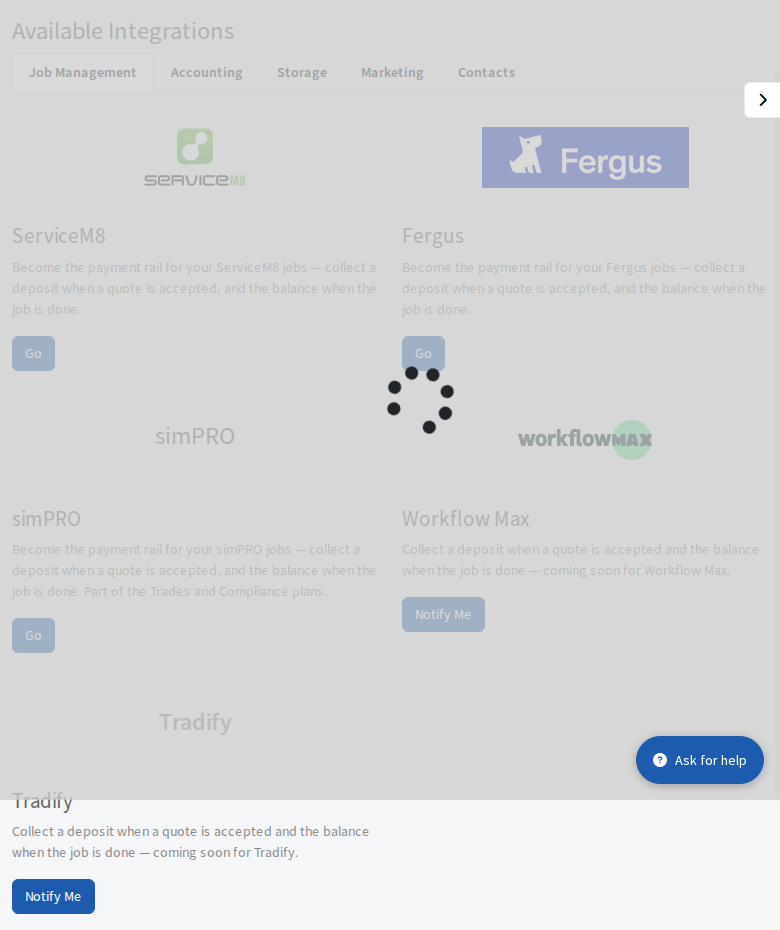
- Job Management: ServiceM8 and Fergus. Workflow Max and Tradify show Notify Me: select it and we note that you want them. See Connect ServiceM8 and Connect Fergus.
- Accounting: Xero. MYOB shows Coming Soon. See Connect Xero.
- Storage: Google Drive, OneDrive / SharePoint or Dropbox. See Keep signed documents in your own storage.
- Marketing: Mailchimp. See Add signed customers to Mailchimp.
- Contacts: Google Contacts and Microsoft Contacts.