
Set up a webhook
Give Pay My Business a web address and it will send your own system a message when events you choose happen.
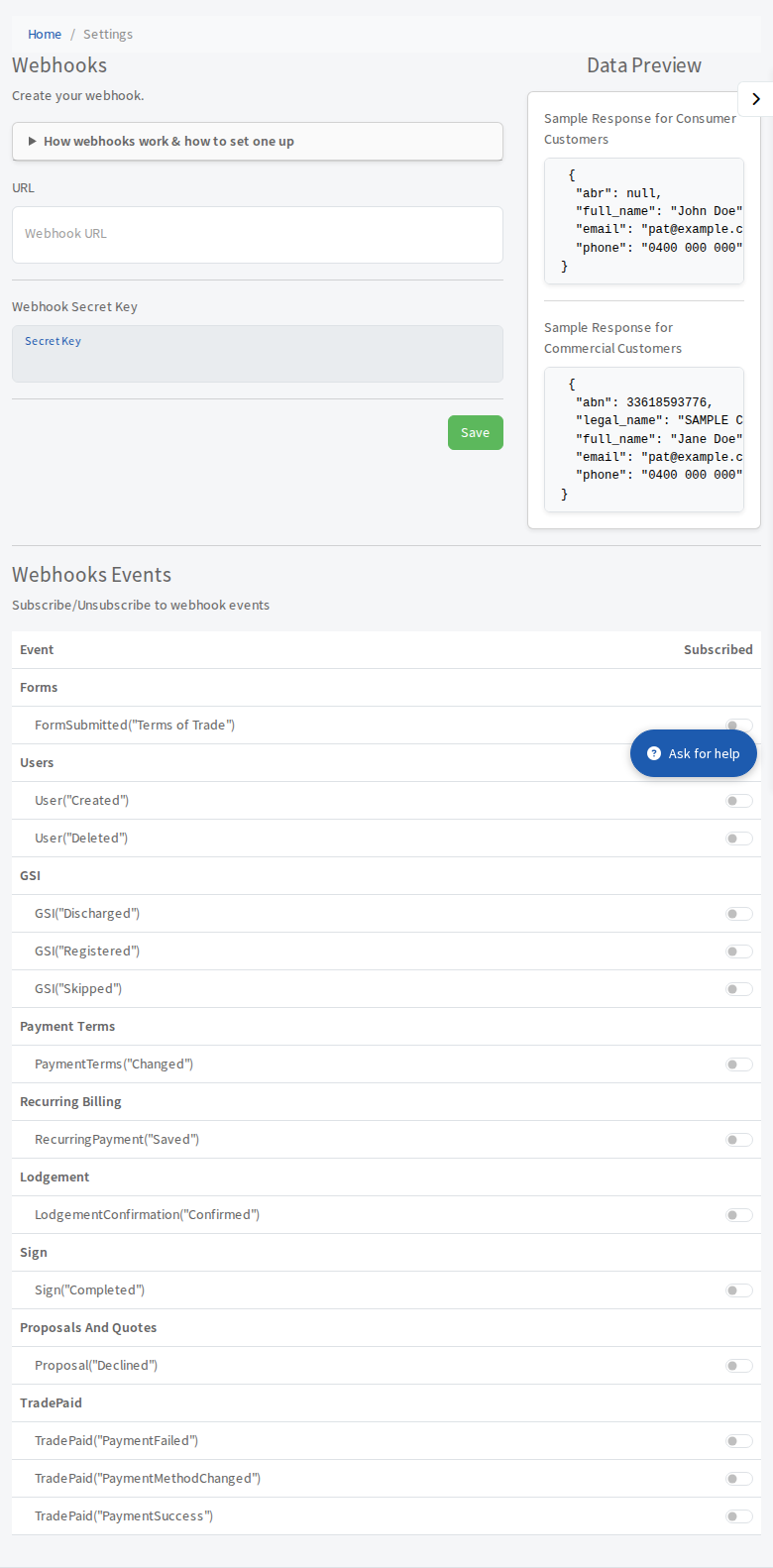
A webhook lets Pay My Business push information to your own system the moment something happens, for example when a customer submits your Terms of Trade form. It is for firms with a developer or an automation tool that can receive messages.
Before you start
You need a secure (https) address that can receive a POST request and answer with a success status.
Steps
- Open Settings, then Connections, then Webhook.
- Type your address into Webhook URL and select Save. A Secret Key is created for you. Keep it private: you use it to check each message really came from us.
- Select Send Intent to Receive. We send a test message to your address. The status says Intent to Receive in progress... and updates by itself.
- Your address must answer with a 2xx status (a plain 200 is fine). The status becomes Active and the page says you can now use your webhook.
- In Webhooks Events below, switch on each event you want. See Webhook events you can subscribe to.
What a message looks like
Every message is an HTTP POST with a JSON body. It names the event and carries the data. The Data Preview on the page shows a sample for a consumer and a commercial customer, and Send Sample Response (once Active) sends one to your address so you can test. The page tells you the status code your address answered with.
The secret key is never inside a message. See Check a webhook came from Pay My Business.
Statuses
- Intent to Receive required: select Send Intent to Receive.
- Intent to Receive has failed please retry...: fix your address and select the retry button.
- Active: working.
- Retry: we did not get a success answer and will try again.
- Disabled: webhooks are off. A sustained failure disables a webhook automatically. Select Send Intent to Receive again to turn it back on. You can also select Disable yourself.