
Connect Xero
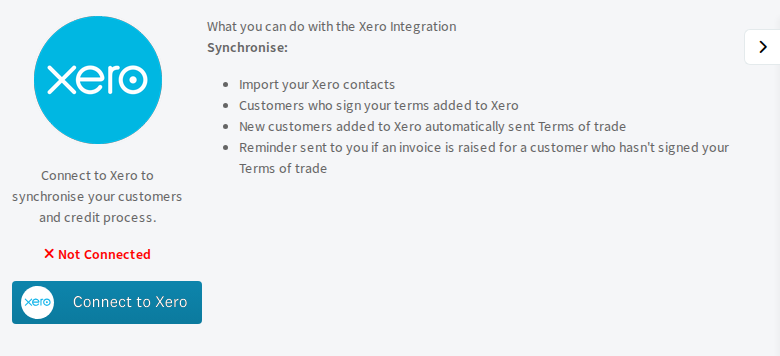
Connect your Xero organisation so you can import your Xero contacts and invite new ones automatically.
Connecting Xero lets Pay My Business keep your customer records in step with your accounting.
What the connection does
- Lets you import your Xero contacts as customers (see Import your Xero customers).
- Can send your Terms of Trade automatically to a new customer added in Xero (you choose this in AutoPilot, see below).
Steps
- Open Settings, then Connections, then Integrations, then the Accounting tab.
- On the Xero card select Go.
- Select Connect to Xero. You go to Xero.
- Sign in to Xero, choose your organisation and allow access.
- You come back to Pay My Business. The page now says Connected to Xero.
Send terms to new Xero contacts automatically
Open Settings, then Payments & Billing, then AutoPilot and tick Automatically send Terms of Trade to new customers added in your accounting system. Only brand-new contacts trigger this: editing an existing contact never does. Contacts with no email address are skipped, and so is a firm that has not built a Terms of Trade form yet.
Disconnect
Open the same page and select Disconnect.