
What each list on your Dashboard means
Work out which customers need something from you, using the lists on your Dashboard.
The Dashboard groups your customers by where they are in the credit process. Each line shows a count. A grey line with a zero has nothing for you. A coloured line with a number is a list. Click it to see the customers in it.
Under Actions you need to take, the lists sit in groups: AutoMagic Payments (if you use it), Credit Management and Customer Summary.
Credit Management
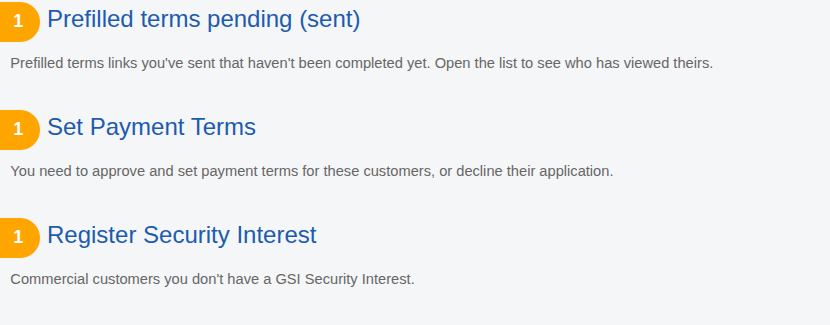
- Prefilled terms pending (sent). Terms links you sent with Add a customer that the customer has not signed yet. Open the list to see who has opened theirs.
- Set Payment Terms. Customers who have signed and are waiting for you to approve payment terms or decline them. See Set a customer's payment terms.
- Register Security Interest. Business customers you have approved and have not registered a GSI against. See Register a GSI.
Customer Summary
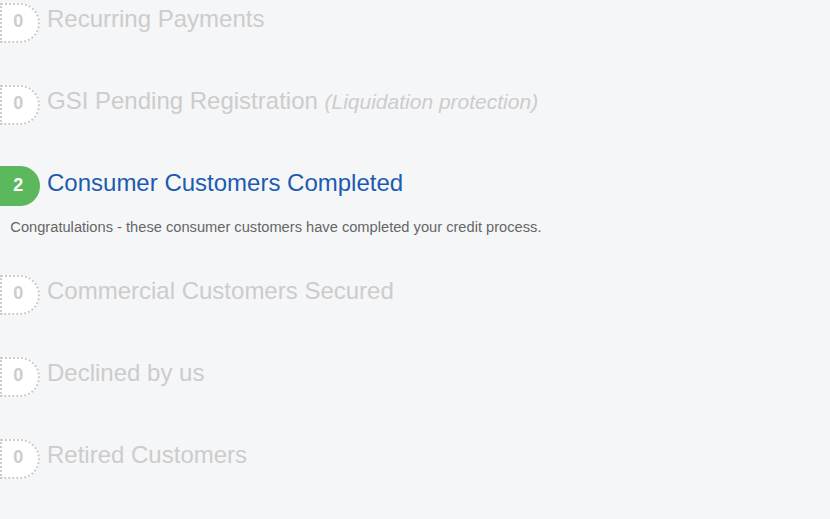
- Recurring Payments. Customers on a recurring billing plan.
- GSI Pending Registration. A GSI has been submitted and is being processed. It can take up to three business days.
- Consumer Customers Completed. Consumers who have finished the process.
- Commercial Customers Secured. Business customers who have finished the process.
- Declined by us. Customers whose application you declined.
- Retired Customers. Customers you have retired. They are listed here so you can find them, but they are not counted as needing attention.
AutoMagic Payments
If you use AutoMagic Payments, there is a third group.
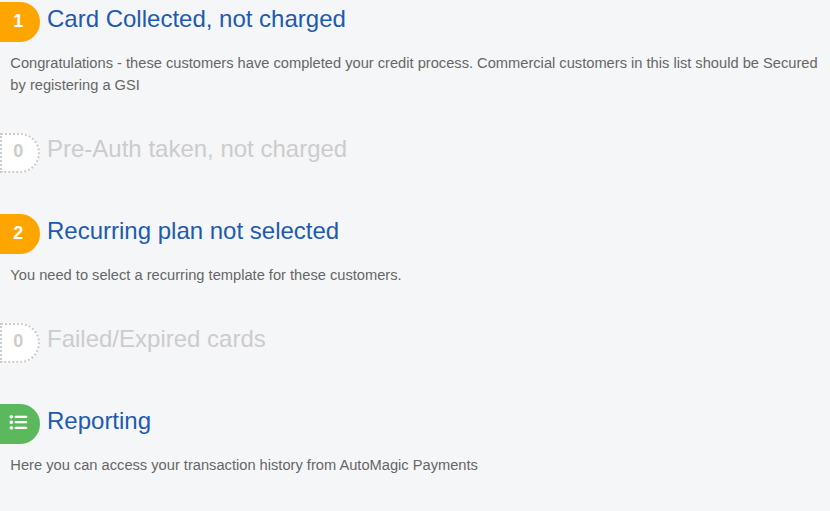
- Card Collected, not charged. The customer has given a card and you have not charged it yet.
- Pre-Auth taken, not charged. A hold has been placed on their card.
- Recurring plan not selected. The customer is set for recurring billing and you have not chosen a plan for them.
- Failed/Expired cards. You need to ask the customer for a new payment method.
- Reporting. Opens your payment history. See your payments and payouts.
Other things on the Dashboard
- The dark bar shows how many customers you have, with Add a customer, Import CSV and Browse Customer List.

- Recent forms lists the latest forms customers have submitted.
- A red Credit Risk Detected box means something changed about a customer. See Review a change we detect on a customer.