
Retire a customer
Stop all automatic messages, reminders and charges to a customer you no longer work with, without deleting them.
When someone stops being your customer, they should stop hearing from Pay My Business. Retiring a customer stops the automatic requests, reminders, alerts and charges that go to them. Their record and history stay on file.
Steps
- Open the customer's page.
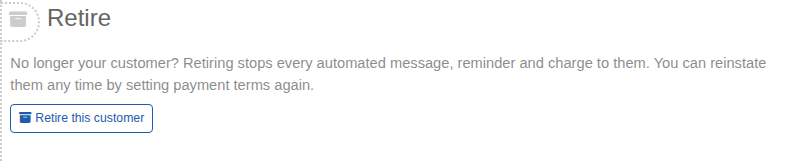
- In the Retire step, select Retire this customer.
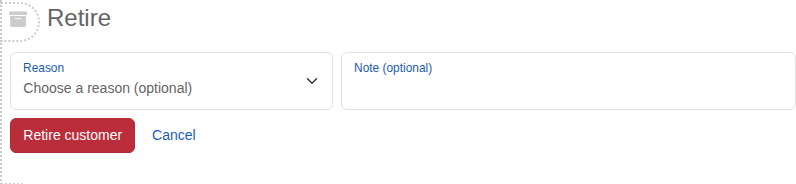
- Choose a Reason if you like: Ceased trading, Ended engagement or Other. Add a Note if you want one. Both are optional.
- If the customer has a registered GSI, choose what happens to it: Keep it, Request a discharge now or Request a discharge in a number of months (the box starts at 6).
- Select Retire customer.
The step changes to Retired. If a discharge is scheduled, the date is shown. Select Archive this customer now as well? to archive them too. Archived customers are skipped by the same automatic requests, reminders, alerts and charges.
The customer is listed under Retired Customers on your Dashboard and is not counted as needing attention.
Bring a retired customer back
Open their page and approve payment terms again in Set Payment Terms. Any scheduled GSI discharge is cancelled for you. See Set a customer's payment terms.