
Register a GSI
Register a security interest on the PPSR against a business customer, to protect you if they go into liquidation.
A GSI is a general security interest registered on the Personal Property Securities Register (PPSR). It makes you a secured creditor. That protects you if your customer goes into liquidation and a liquidator tries to claw back payments.
GSI registration is for business customers. Consumers do not have this step.
Before you start
The customer must have signed and you must have set their payment terms. Until then the step reads Register GSI and is greyed out. A customer you declined has no GSI step.
Steps
- Open the customer's page.
- In the GSI Registration (Liquidation protection) step, select Register GSI.
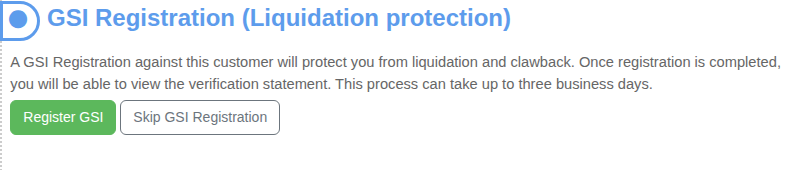
The step changes to GSI Registration Pending. Pay My Business lodges the registration for you. This can take up to three business days. You will be emailed when it is done, and the customer is listed under GSI Pending Registration on your Dashboard in the meantime.

When it is done the step reads GSI Registered, with the date you became a secured creditor and the date it expires.

Select View the Verification Statement to see or download the PPSR statement. You can send it to your customer if they ask.
If you decide not to register
Select Skip GSI Registration. The step shows a warning that you have not registered. You can still select Register GSI at any time.
When a GSI expires
A GSI expires after a set number of years, shown on the step. It is not renewed for you. Thirty days or less before it expires, the step shows a warning. If it has lapsed, the step says so and tells you to contact the PPSR team. Pay My Business lodges your registrations, so contact support and we will register it again.