
Sign in with an emailed link
Sign in to Pay My Business with your email address, with no password to remember.
Pay My Business has no passwords. You type your email address and we email you a link that signs you in.
Steps
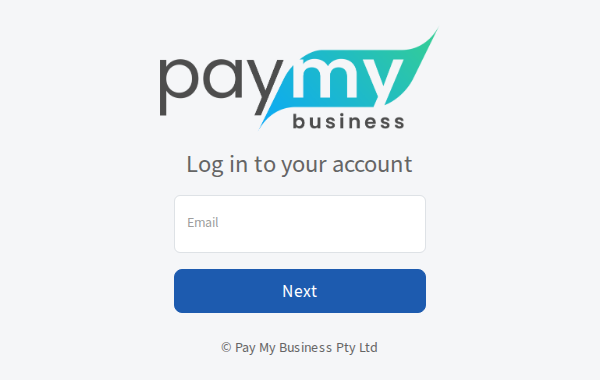
- Open the Pay My Business sign-in page.
- Type your email address and select Next.
- The page says to check your inbox. Open the email and select the link in it.
- If you belong to more than one organisation, choose the one you want. See Switch between organisations.
When it works, you see your dashboard.
What to know about the link
- It works once and expires after 15 minutes. If it has expired, go back to the sign-in page and ask for a new one.
- Asking again straight away does not send a second email. Use the first email, or wait about half a minute.
- Check your spam folder if it does not arrive.
- If you type an email address that is not on an account, the page still answers the same way, and the address gets an email saying it was not recognised. This stops strangers finding out who has an account.
- You stay signed in on that device for up to 30 days. Open the Settings menu in the top bar and choose Logout to sign out sooner.
Sign in without the link
If you have a passkey on your device, choose Sign in with a passkey on the sign-in page instead. See Add a passkey.