
Run the health check
Answer a couple of quick questions and get recommendations for settings that suit how you work.
The Health Check looks at your plan and your answers and suggests settings you may be missing. It never changes anything by itself.
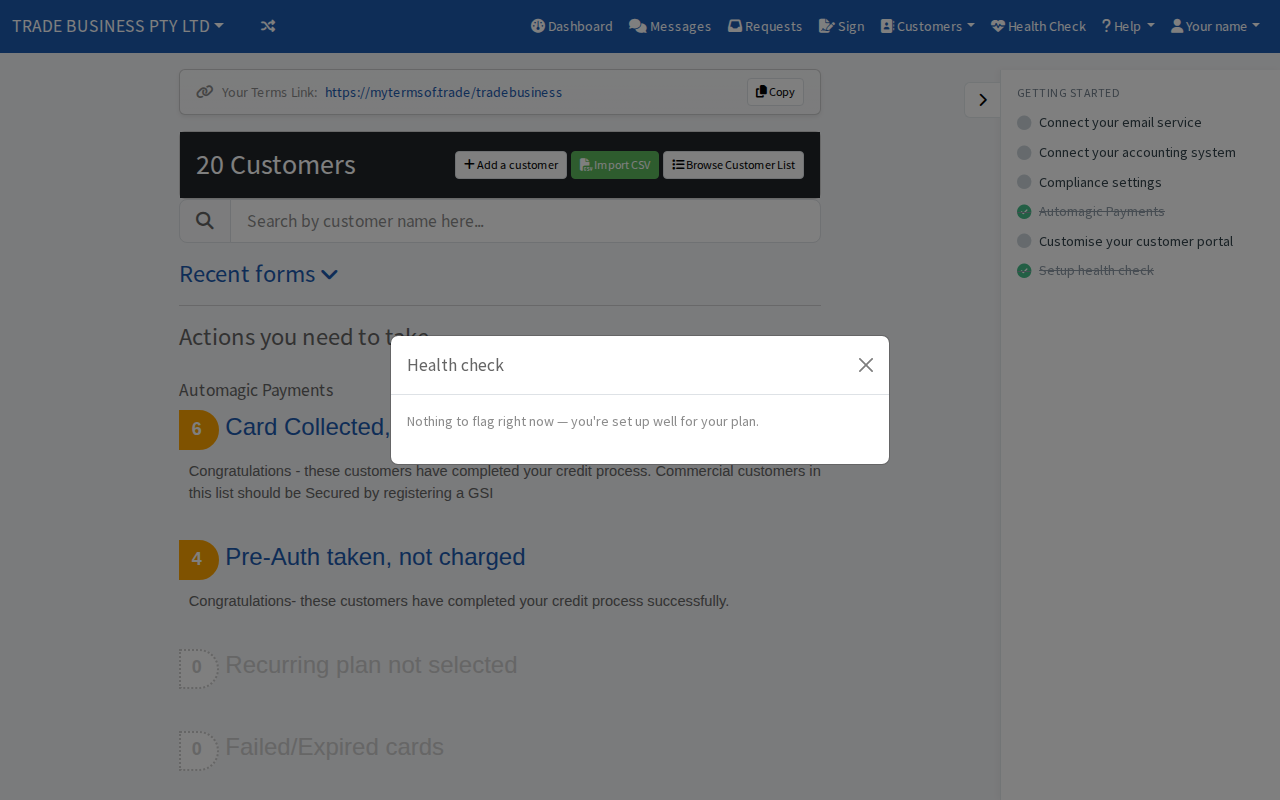
Steps
- Select Health Check in the top bar. A small red dot on it means there is a question waiting.
- The first time, answer Who are your customers? by choosing Commercial (businesses), Consumer (the public) or Both. This sets your customer type, so choose carefully. See Choose who your customers are.
- Answer any questions that follow with Yes or No. Examples are whether you meet your clients in person and, on the Business plan, whether you would like to take card payments without absorbing the processing fee.
- Read Recommended for you. Select Go to settings on a recommendation to open the right page.
When there is nothing to recommend, the window says Nothing to flag right now.
What it can recommend
- Buy Now Pay Later, if you said you want to take card payments without absorbing the fee. It is available on the Trades plan and above. Answering Yes to the fee question takes you to the plan upgrade page.
- GSI / PPSR protection, when you deal with commercial customers and have not set it up.
- Sign with selfie or ID check, when you said you do not meet your clients in person. Both are in your signing rules.