
Recover compliance charges from customers
See the identity check and ownership resolution charges you fronted and recover them from the customer in one click.
Identity checks and ownership resolutions are billed to your customer automatically. If the customer has no payment method on file yet, the charge is billed to you instead so nothing is held up. Once the customer is onboarded with a payment method you can recover the money from them.
Steps
- Open Settings, then Compliance, then Accountant.
- In the Beneficial Ownership Resolution section, select View recoverable charges.
- Tick the charges you want to recover. Each row shows the customer, the type (UBO resolution or ID check), the amount and the date you fronted it.
- Select Recover. The button shows how many are selected.
When it works you see how many charges were recovered. Recovering also refunds what you paid, back to the payment method you originally used.
If a charge cannot be recovered, a warning tells you how many failed. The customer may still have no payment method on file. Try again once they have one.
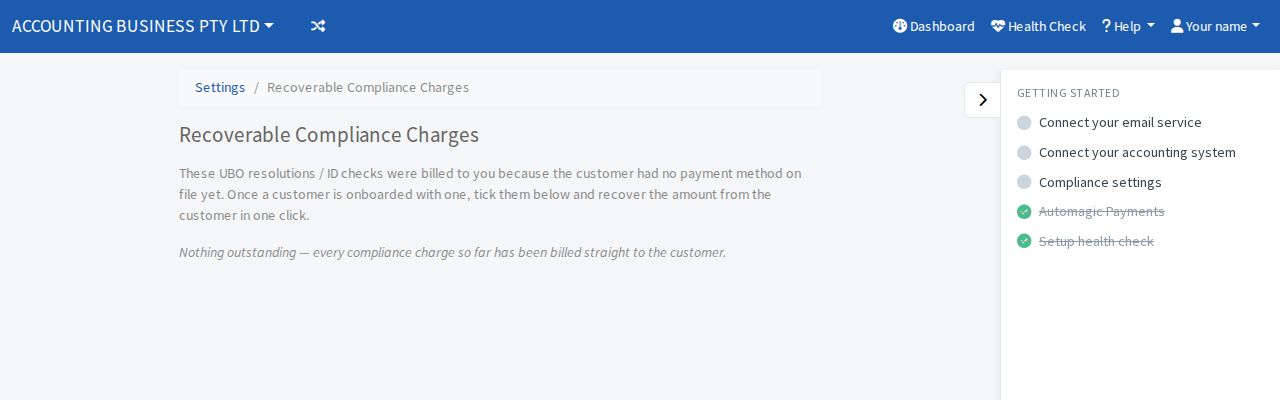
If the page says Nothing outstanding, every compliance charge so far has been billed straight to the customer.