
See who did what on a customer
Open the activity record on a customer to see each action, when it happened and who did it.
Every customer has an activity record. It lists what has been done on that customer, with the date and time and who did it. It is on every plan, it is read only and it is collapsed until you open it.
Steps
- On the Dashboard, search for the customer by name or select Browse Customer List, then open the customer.
- Find Activity on the customer's page. It only shows once something has been recorded.
- Select Show activity.
- Read the list, newest first. Each line gives the action, the date and time, a short summary where there is one and the person.
- Select Show older activity at the bottom to load earlier entries.
- Select Collapse to close it.
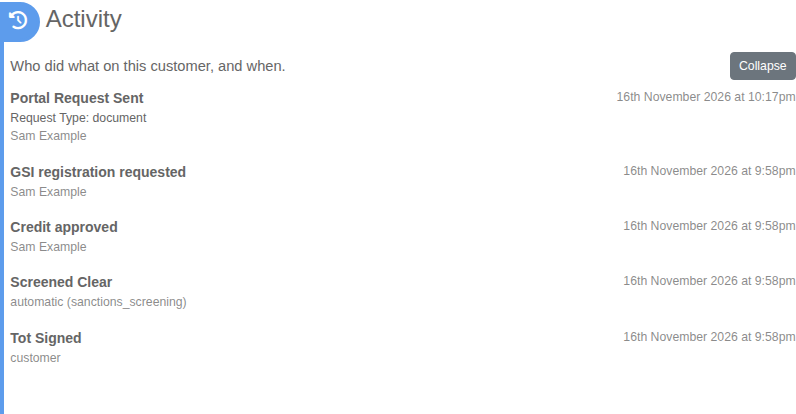
What you will see
Credit decisions, registrations and discharges under the GSI, ownership checks, charges and refunds, invoices, recurring billing changes and changes to the customer record. The person is a team member, the customer, or the system when something ran on its own.