
Choose how failed payments are retried
Set how often Pay My Business retries a failed payment and what happens if every retry fails.
When an AutoMagic payment fails, Pay My Business can try again for you. Each retry tries your customer's whole payment method setup: their primary method first, then their secondary method if they have one.
Automatic retries only start once you choose a cadence.
Steps
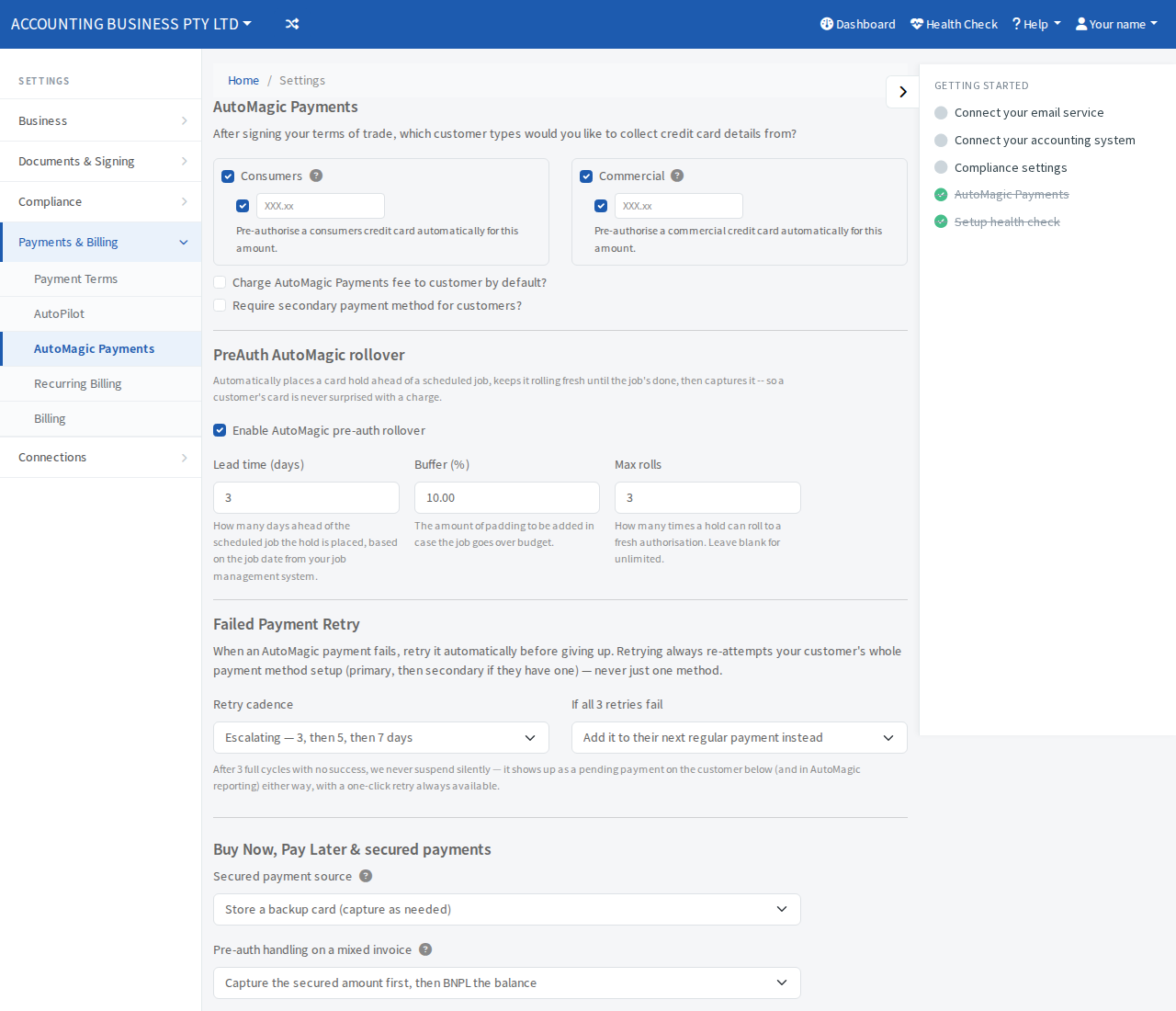
- Open Settings, then Payments & Billing, then AutoMagic Payments.
- Find Failed Payment Retry.
- Under Retry cadence, choose one:
- Flat — every 3 days (3 / 3 / 3)
- Escalating — 3, then 5, then 7 days
- Under If all 3 retries fail, choose one:
- Keep re-debiting on the same cadence
- Add it to their next regular payment instead
- Select Save at the bottom of the page.
What happens after a payment fails
There are up to 3 retries. A failed payment never stops silently. After 3 failed retries it appears as a pending payment on the customer's page and under Pending Payments in your reporting, marked "Exhausted -- needs action".
A pending payment shows one of three messages:
- Payment pending -- retrying automatically, with the attempt number and the next retry date.
- Payment pending -- will be added to next payment, if you chose to add it to the next regular payment.
- Payment pending -- 3 retries failed.
Retry straight away
Select Retry now on the pending payment, on the customer's page or under Pending Payments in your reporting. A one-click retry is always available.
Ask for a new payment method
If the customer's payment method no longer works, open the customer and select New payment method required in their AutoMagic Payments box. The app sends a request for a new payment method. Select Cancel next to it to withdraw the request.