
Add your logo
Upload your logo so customers recognise your business on the terms and emails you send.
Your logo helps customers recognise your business. You are asked for it when you first set up, and you can change it at any time.
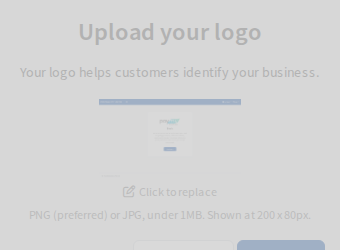
Steps
- Open Settings, then Business, then Business Details. The logo is at the top of the page.
- Select the logo (or the empty box if you have none yet) or Click to replace.
- Choose a file from your computer or phone.
The logo uploads as soon as you choose the file. When it works, the new logo replaces the old one on the page straight away. You do not need to select Save.
What file to use
- PNG is preferred. JPG also works.
- Under 1 MB.
- It is shown at 200 by 80 pixels, so use a wide logo with a clean or transparent background and check that it stays readable at that size.
During first setup
The Upload your logo screen has two buttons: Skip for now and Continue. If you skip, Pay My Business asks again in a later session until a logo is added.